Click the iDog!
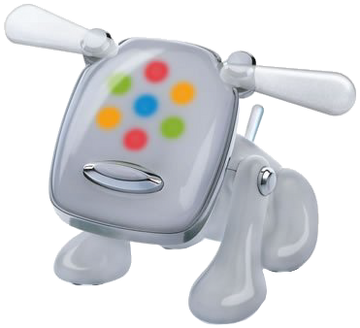
iDogs: 0
iDogs per second: 0
Opening Apps: Double-click a desktop icon to open an application.
Closing Apps: Click the 'x' button in the top right corner of the app window.
Fullscreen: Click the '[]' button in the top right corner to toggle fullscreen mode.
iDogs: 0
iDogs per second: 0
Double your clicks!
A Tetris clone with a Frutiger Aero twist!
Turn your iDog Blue!
Score: 0